
1
Put it where the moment happens
Counter • Front desk • Checkout
- Your best chance is before they walk out.
- Place the review ask where customers already pause.
- Your staff only needs one simple sentence.
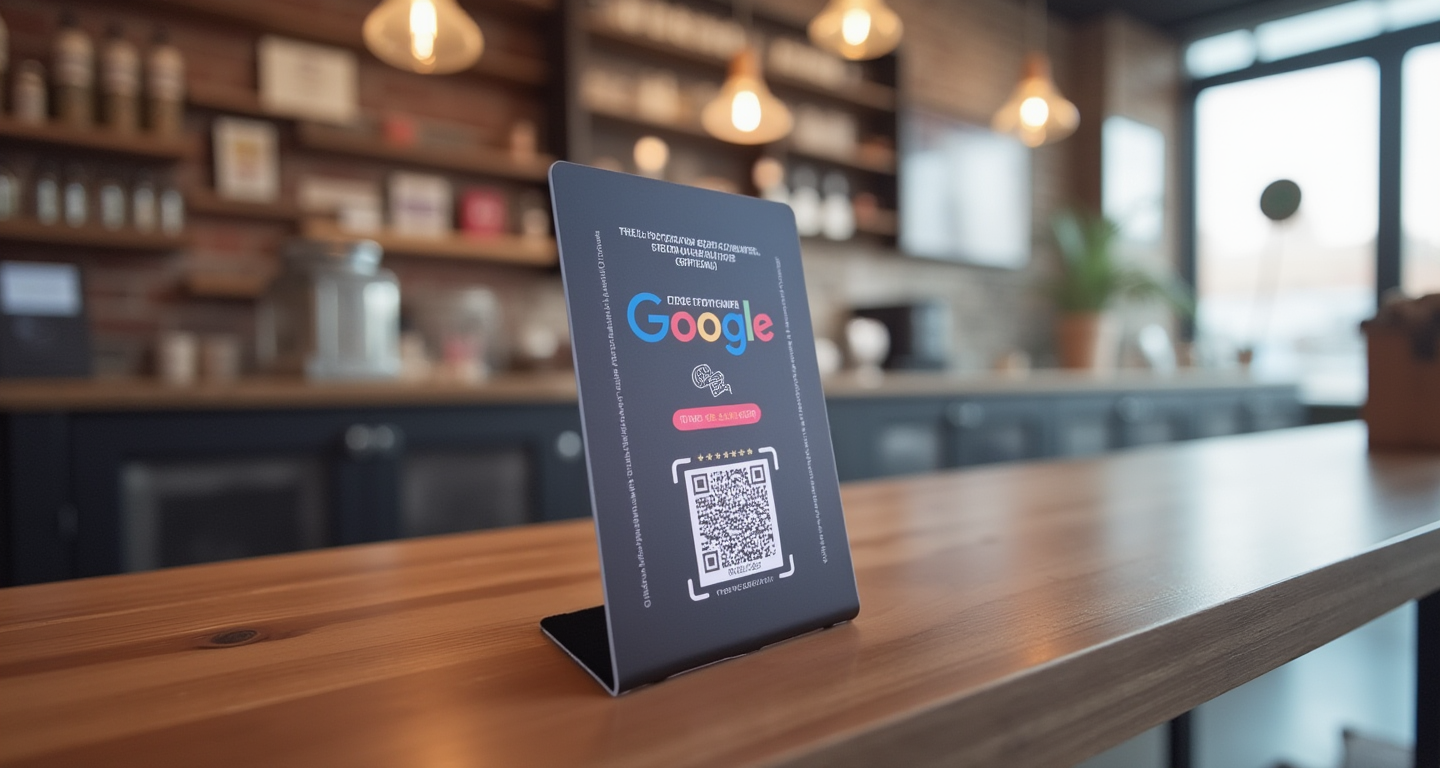
Google review tap stand
Stop hoping happy customers remember to leave a review later. Put this NFC + QR Tap Stand where they already pause, then send them straight to your official Google review screen while the experience is still fresh.
One-time hardware • Fast setup • No monthly fee required • Smart Capture optional
The timing is the system
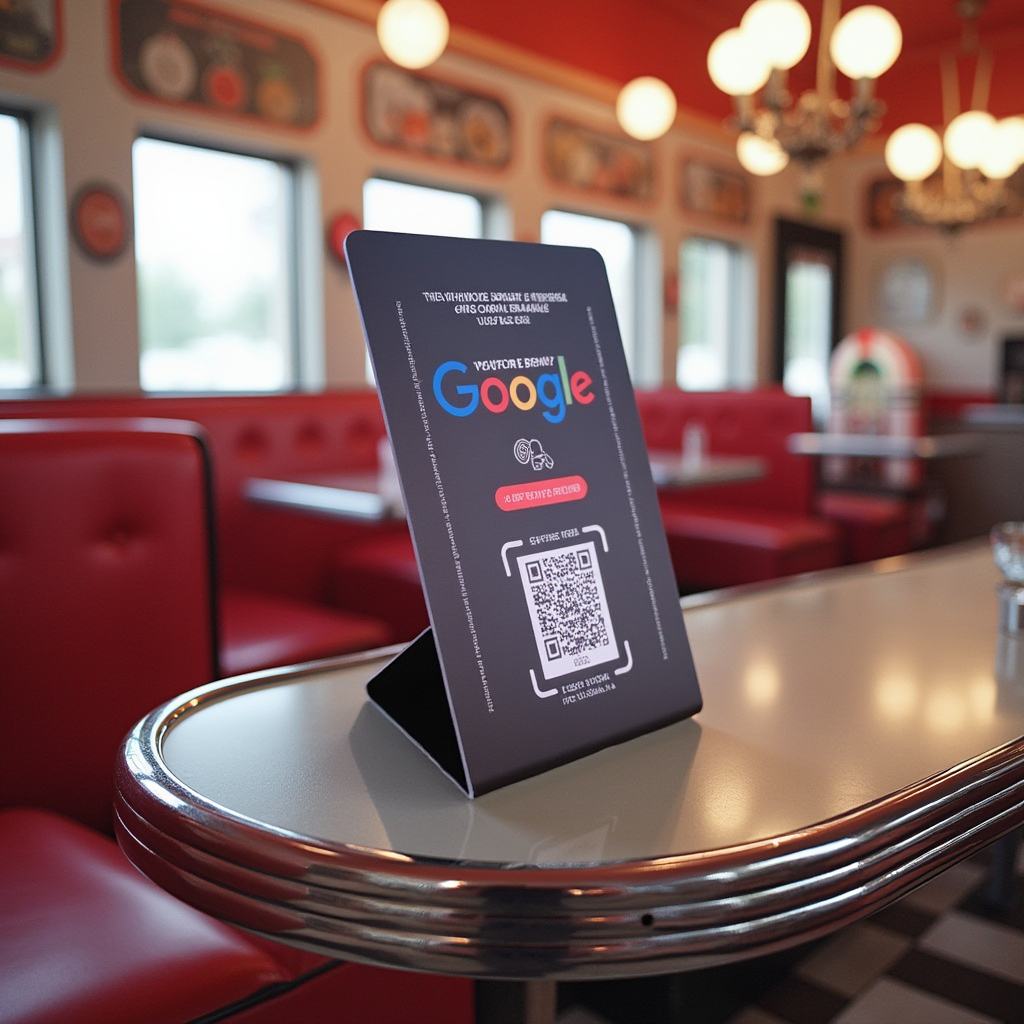
Most businesses lose reviews because they ask too late. The Tap Stand puts the review request directly in front of customers while the good experience is still fresh.
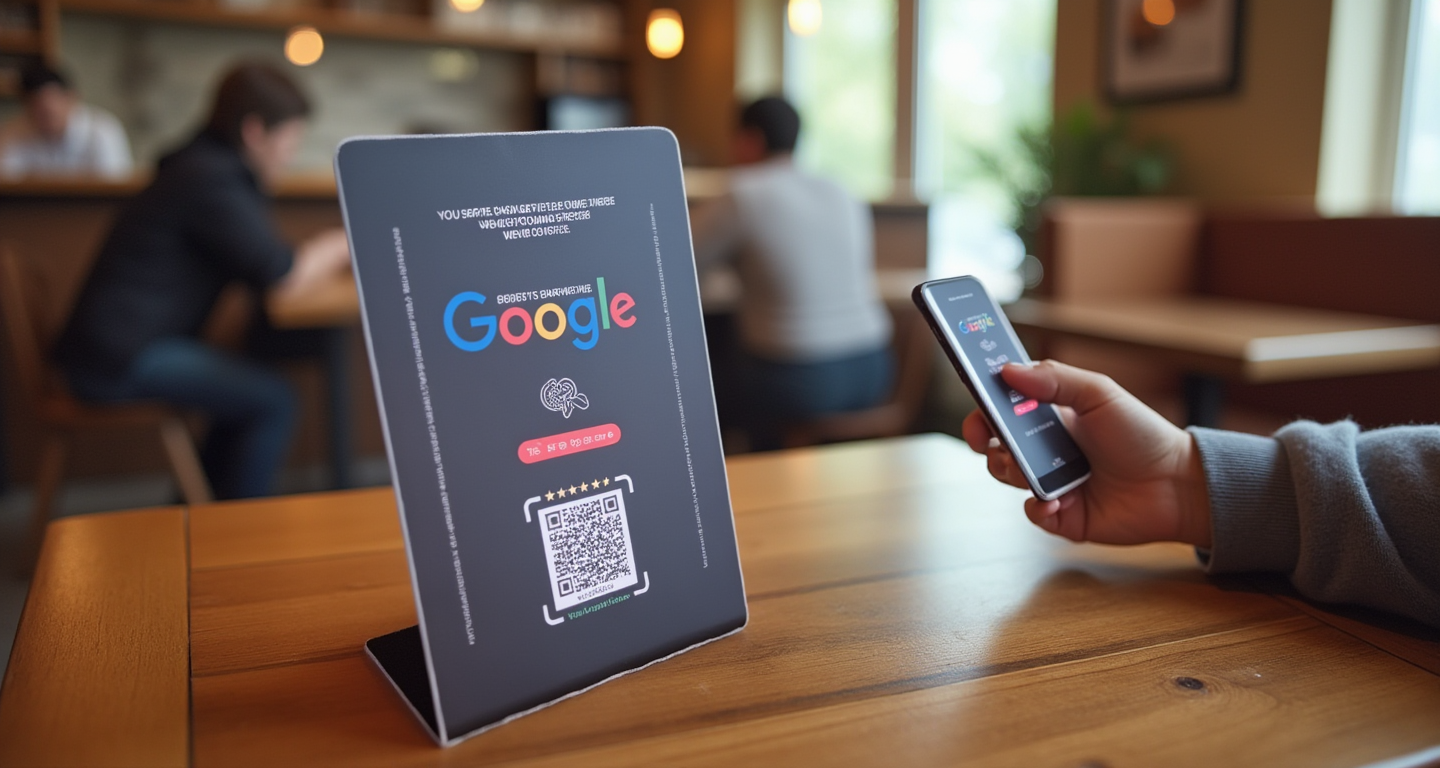

Put the review ask in the right place and make it easy for customers to act before they leave.
Set it up once • Use it every day
No complicated software. No long setup. Tap or scan the stand, choose your Google Business Profile, and your review stand is ready to use.
Use any phone to tap the NFC chip or scan the QR code. The activation page opens right away.
Enter your basic info, start typing your business name, then select your correct Google Business Profile.
Hit activate and the system connects the stand to your Google review screen in the background.
That’s it. Every future tap or scan sends customers straight to your official Google review screen.
Activate it once, place it on your counter, and start asking happy customers while the experience is still fresh. Start with the Tap Stand now and upgrade to Smart Capture later when you want email capture, follow-ups, and automated review tools.
Put it where reviews actually happen
The best review request happens before the customer leaves. Place the Tap Stand where customers naturally pause, then make it easy for them to tap or scan while the experience is still fresh.
Put it near the register, front desk, host stand, service counter, or checkout area. When a customer is happy, your staff can simply say, “If we did a good job today, would you mind tapping this and leaving us a quick Google review?”
Tip: Do not hide it in the corner. Keep it visible, close to the final customer interaction, and make the ask while the experience is still fresh.
Optional upgrade • Start simple
The Tap Stand helps you get more Google reviews at the counter. Smart Capture is the upgrade that turns those review moments into follow-up, social proof, repeat visits, and automated review responses.
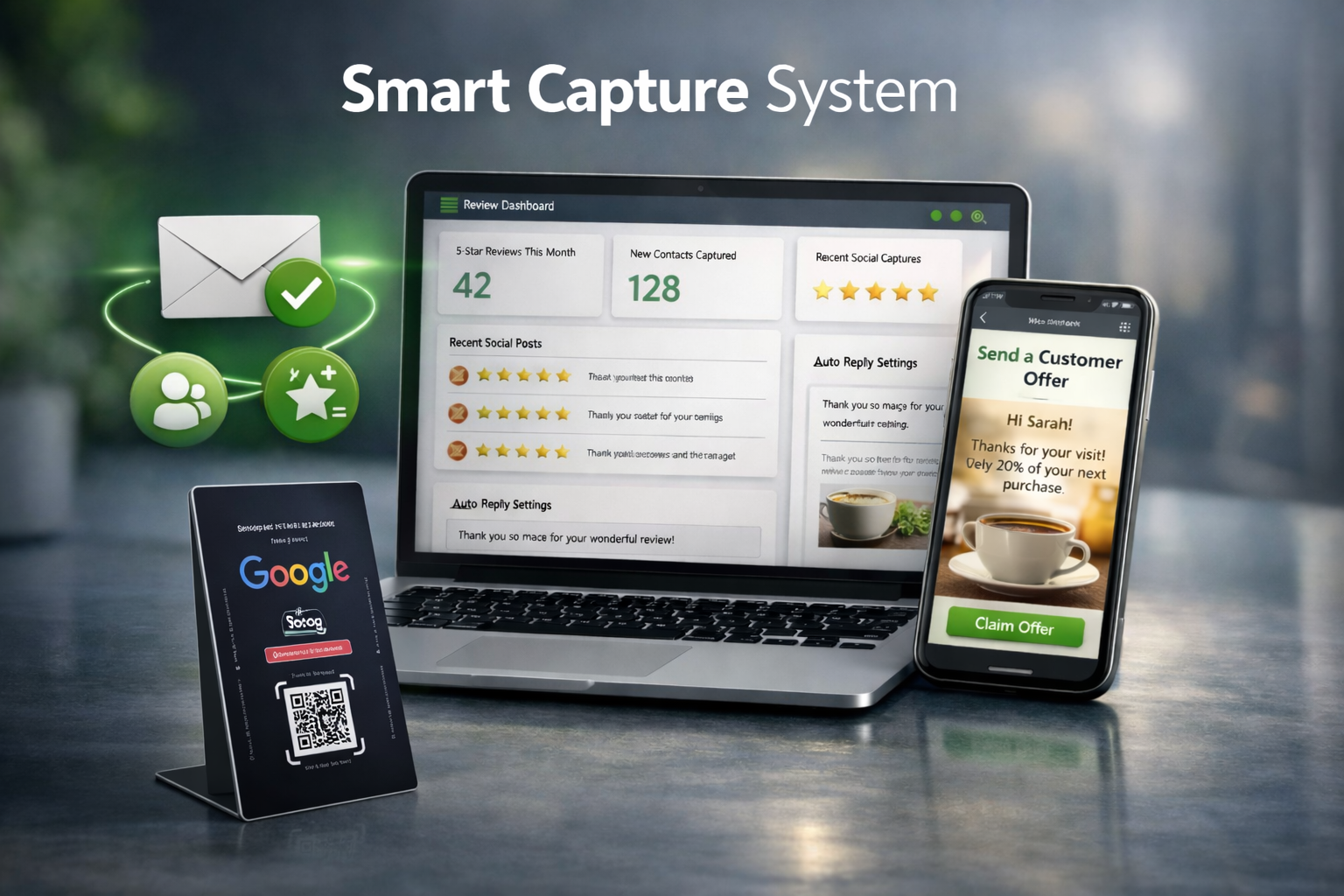
Keep the same tap-or-scan workflow, then add a system behind it to help turn happy customers into repeat customers.
Best path: start with the Tap Stand first. Once reviews are coming in, upgrade to Smart Capture when you want email follow-up, social proof, and automated review tools.
FAQ
Quick answers before you order your Google Review Tap Stand.
It is a small NFC + QR stand that sits on your counter, front desk, checkout area, or table. Customers tap or scan it with their phone and go straight to your Google review screen.
When a customer taps the stand or scans the QR code, your Google review page opens on their phone. That removes the need for them to search your business later.
No. The basic Tap Stand is one-time hardware. Smart Capture is an optional monthly upgrade if you want email capture, follow-up, social proof posting, and automated review tools later.
Yes. The stand sends customers to your Google review screen, so you need an active Google Business Profile connected to the review link you want customers to open.
Yes. Google requires customers to be signed in before they can post a review. Most customers already have a Google account on their phone, so the process is usually familiar.
Yes. Most modern iPhone and Android phones can use NFC tap. The QR code is also there as a simple backup option for any smartphone camera.
Put it where the customer naturally pauses before leaving: the register, front desk, host stand, checkout counter, pickup area, service desk, or receptionist area.
No product can guarantee that every customer will leave a review. The Tap Stand helps by removing friction and making the review request easy at the right moment.
Smart Capture adds more behind the tap. It can help capture emails, support follow-up, create social proof from fresh reviews, and keep review responses more consistent.
Email [email protected], or start with the $40 Tap Stand and upgrade later when you want the full Smart Capture system.
Ready to make reviews easier?
Place it where customers already pause — at checkout, the front desk, the pickup counter, or the service desk. They tap or scan and go straight to your Google review screen.
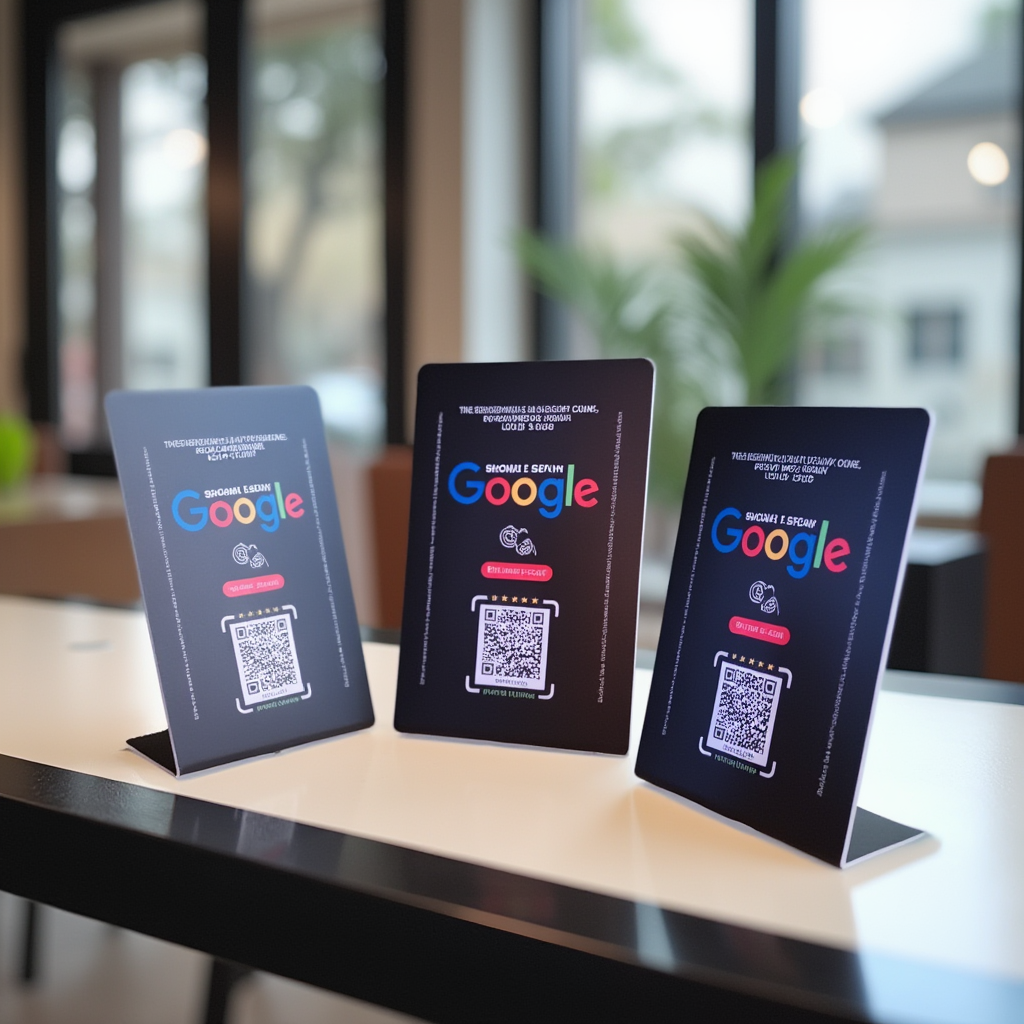
Need multiple locations? Plan on one stand per location and add extras for multiple counters.