Tap-to-review (NFC + QR)

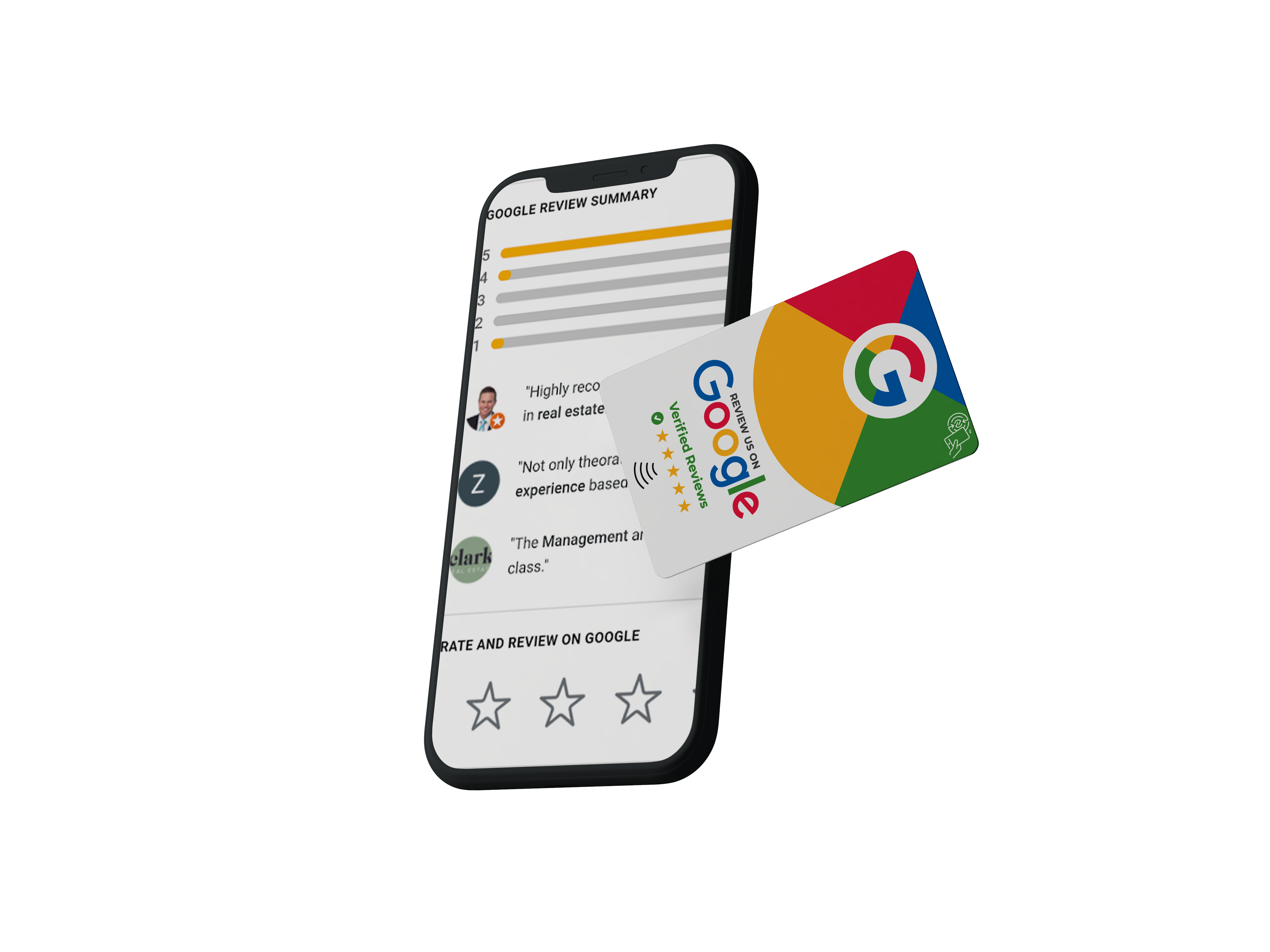
Google Review Tap Card
that makes reviews happen before they leave.

Hand it to the customer (or keep it on staff). A quick tap or scan opens your official Google review screen in seconds — fewer steps, more 5-star reviews.

  • NFC tap + QR scan
  • Works on iPhone & Android
  • Fast setup
  • Upgrade to Smart Capture later
One-time hardware (start simple)
Optional Smart Capture upgrade
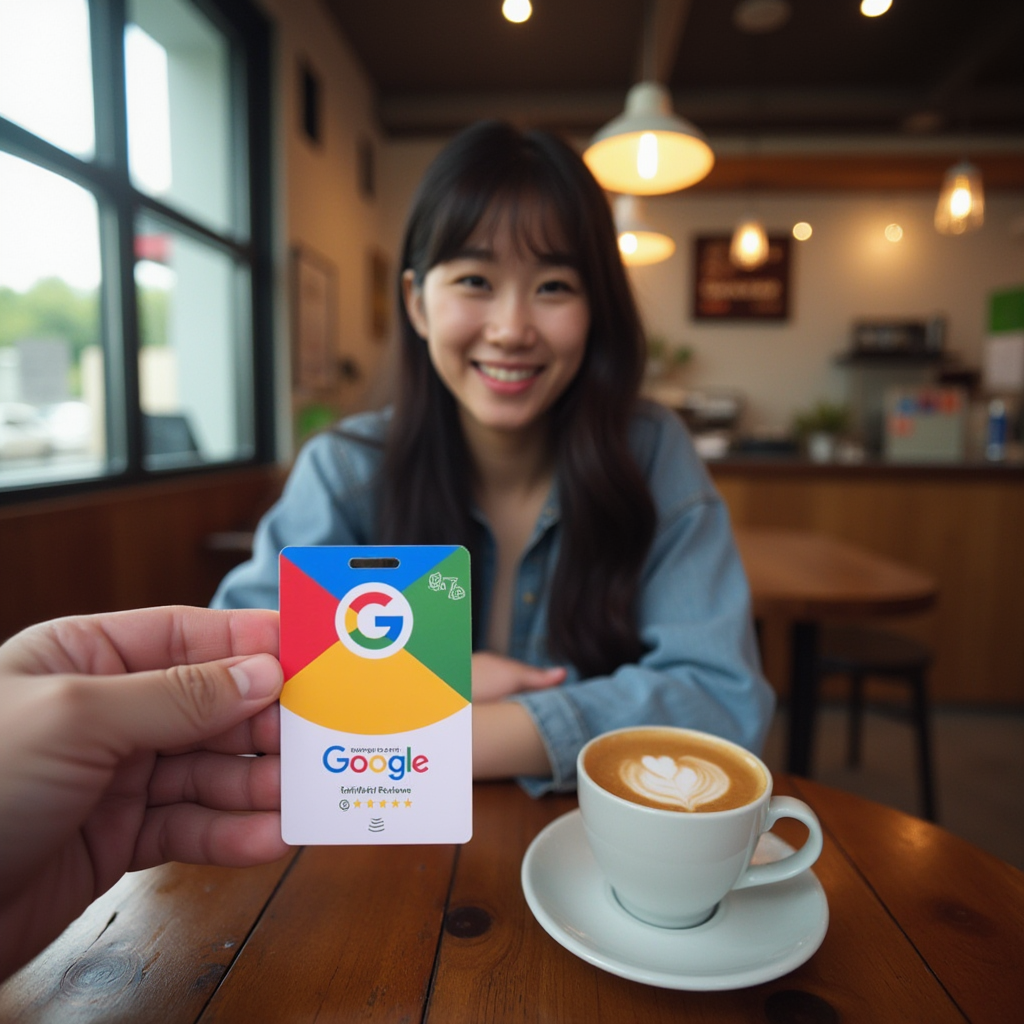
Customer holding a Google review tap card

Tip: This is best for the “thank you” moment — end of a service, table-side, or right at checkout. Want to turn reviews into repeat business? See the system.

Simple, fast, and customer-friendly

Here’s how your Google Review Tap Card works

Catch customers at the moment they’re leaving — while the experience is still fresh. (Tap or scan → Google review screen → submit.)

Google Review Tap Card displayed at a business checkout area
1 Place it where customers pause

Counter • Table • Front desk

  • Use it in the natural “checkout moment.”
  • One simple prompt at the right time.
  • Great as a handout card or staff-held card.
Customer scanning or tapping a Google Review Tap Card with a smartphone
2 Tap or scan in seconds

NFC tap + QR scan

  • Works on iPhone & Android.
  • No app needed. No searching for your listing.
  • Fewer steps = more completions.
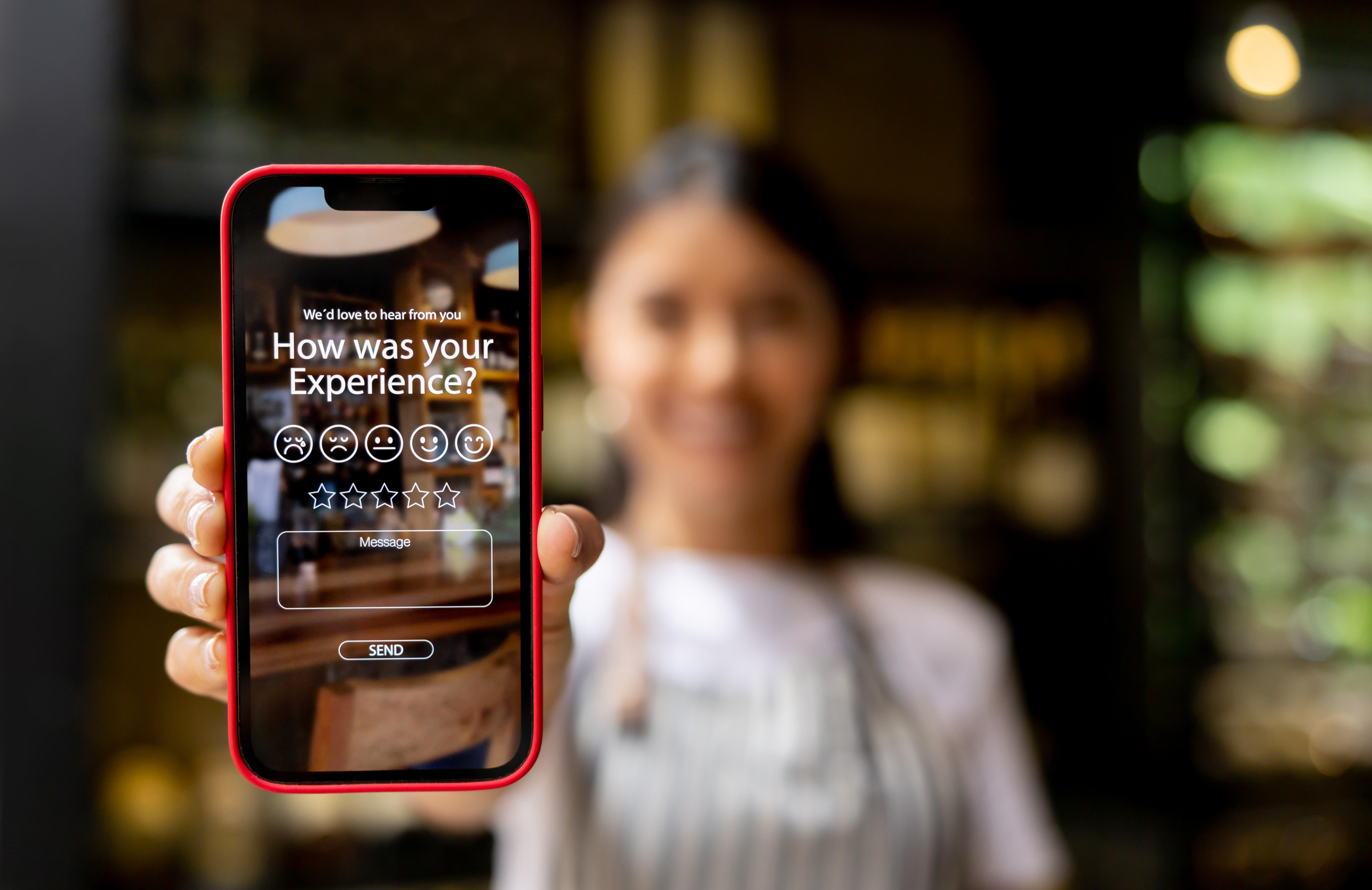
Google review screen on a smartphone after tapping the review card
3 They leave the review on Google

Rate • Write • Submit

  • Opens directly to your Google review screen.
  • Customer posts while it’s still fresh.
  • You build trust + local visibility over time.

Want this set up for your business?

Order your cards and start collecting reviews with a simple tap.

One-time setup • Then it runs itself

Activate in under 20 seconds

Tap or scan the card once, select your Google Business Profile, and you’re live. Four quick screens — that’s it.

1 Tap the card

Opens activation instantly

Use any phone — tap (NFC) or scan the QR to open the activation page.

2 Fill out your info

Select your Google profile

Enter Name, Phone, Email. Start typing your business name — it auto-populates your Google Business Profile. Select it and hit Activate.

3 Countdown starts

Live in ~20 seconds

A quick countdown runs — the card is being activated in the background.

4 Ready

Start collecting reviews

You’re done. Now every tap or scan opens your Google review screen for customers.

That’s the whole setup.

A one-time activation, then your Tap Card is ready whenever a customer is leaving. Want to turn review momentum into repeat business later? Upgrade to the System anytime.

See it in action

Activate your Tap Card in under 20 seconds

Tap or scan → fill out your info → select your Google Business Profile → countdown starts → you’re ready.

1

Tap or scan the card

Opens the activation page instantly.

2

Fill out your information

Name, phone, email — then start typing your business name.

3

Select your Google Business Profile

It auto-populates — choose your listing and hit Activate.

4

Countdown → ready

Within ~20 seconds your card is activated and ready for customers.

Tap → Select profile → Countdown → Ready.

Simple placements that convert

Best for staff-held use

The Tap Card shines when your team can hand it to the customer at the “leaving moment.” Lanyard-friendly, quick, and natural — no awkward follow-up.

Perfect for: lanyard + handoff

Anytime a staff member says “thank you” and the customer is about to leave. Tap → Google review screen opens → review gets posted while it’s fresh.

  • Restaurants: server carries it (table-side or bill time)
  • Coffee shops: barista hands it over at pickup
  • Salons / barbers: stylist offers it at checkout
  • Gyms / studios: front desk taps after class sign-out
  • Home services: contractor hands it over at job completion
  • Auto shops: advisor taps when keys are returned
  • Clinics: receptionist taps at checkout / scheduling
  • Retail: staff taps at the counter before the customer walks out

Tip: Keep it on a lanyard. Staff asks once, then holds the card out — customers do the rest.

Optional upgrade • Start simple

The Tap Card gets the review.
Upgrade to the Smart Capture System when you want more.

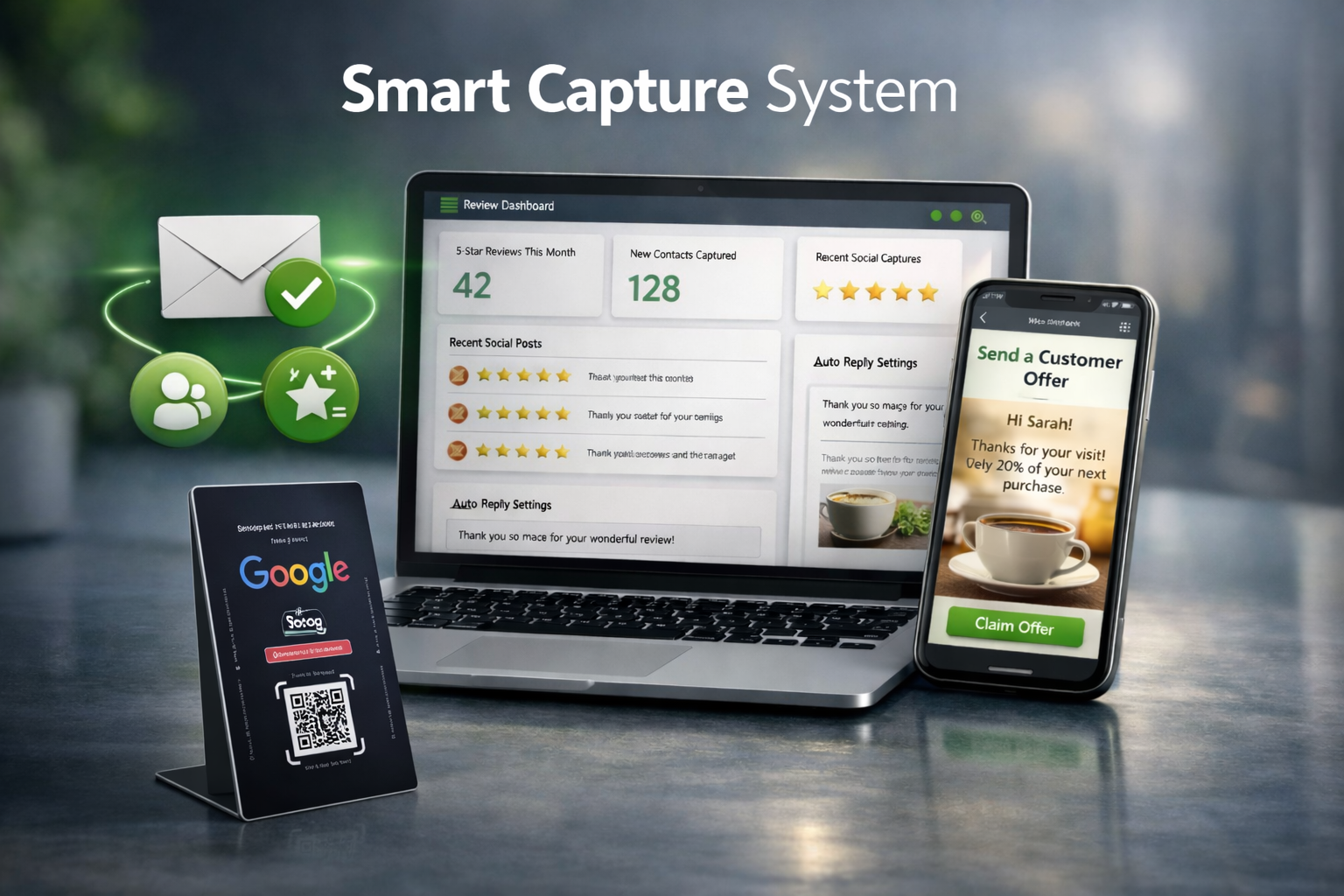
Your Tap Card is the “leaving moment” tool. Smart Capture is the monthly upgrade that helps you follow up, post social proof, and stay consistent with review responses — without adding work to your day.

Smart Capture System preview

What the System does (after the review)

Keep the Tap Card workflow the same — and add a system behind it to build repeat visits over time.

  • Email capture so you can follow up later (when appropriate)
  • Social proof posting (auto content from 5-star reviews)
  • Automated review responses to stay consistent
  • Built to grow into loyalty + repeat customer marketing

Start simple: the Tap Card works great by itself. Upgrade to Smart Capture when you want the “system” behind it.

Quick answers

Tap Card FAQ

Everything you need to know — simple setup, fast activation, and a smooth customer experience.

Ready to start collecting more reviews?

Keep it simple: ask once, hold the card out, and let the tap do the work.

Simple placements that convert

Best for staff-held use

The Tap Card shines when your team can hand it to the customer at the “leaving moment.” Lanyard-friendly, quick, and natural — no awkward follow-up.

Perfect for: lanyard + handoff

Anytime a staff member says “thank you” and the customer is about to leave. Tap → Google review screen opens → review gets posted while it’s fresh.

  • Restaurants: server carries it (table-side or bill time)
  • Coffee shops: barista hands it over at pickup
  • Salons / barbers: stylist offers it at checkout
  • Gyms / studios: front desk taps after class sign-out
  • Home services: contractor hands it over at job completion
  • Auto shops: advisor taps when keys are returned
  • Clinics: receptionist taps at checkout / scheduling
  • Retail: staff taps at the counter before the customer walks out

Tip: Keep it on a lanyard. Staff asks once, then holds the card out — customers do the rest.

© 2026 ReviewCard.US. All Rights Reserved.